
FSA Orbit 1.5E Headset: ZS44/ZS56 Fitment Guide for Revolution, Trailblazer & Black Lightning
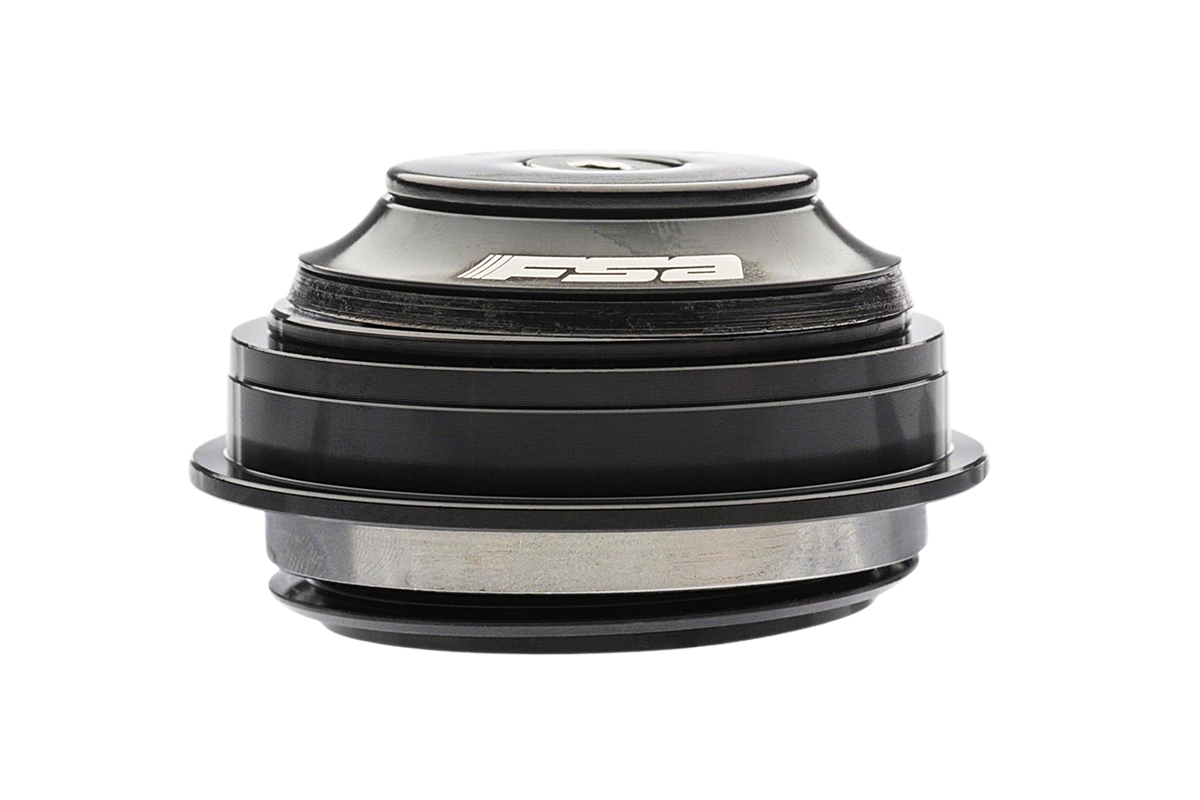
If your steering feels notchy, or you feel a knock through the bars when you grab the front brake, the headset is the first place to look. The FSA Orbit 1.5E ZS internal headset is the replacement we list for Revolution, Trailblazer and Black Lightning builds. This guide covers what the ZS44/28.6 and ZS56/40 numbers mean, what the headset is made of, why headsets work loose on heavy, fast bikes, and how to install and preload one.
FSA Orbit 1.5E at a glance
| Spec | Detail |
|---|---|
| Model | FSA Orbit Z (No. 57E internal headset) |
| Upper (SHIS) | ZS44/28.6 |
| Lower (SHIS) | ZS56/40 |
| Fork type | Tapered |
| Cups | Forged and CNC machined 6061 T6 alloy |
| Bearings | Angular contact |
| Color | Black |
| Weight | 124g |
| Price | $48 |
The product page lists it as fitting the Revolution, Trailblazer and Black Lightning.
What ZS44/28.6 and ZS56/40 mean
These codes describe how the headset sits in the head tube. "ZS" stands for zero stack, meaning the bearing drops into the head tube rather than sitting on top of it. The first number is the inside diameter of the head tube opening, and the number after the slash is the steerer tube size that bearing is made for.
- ZS44/28.6 (upper): a 44mm head tube opening for a 28.6mm (1-1/8 inch) steerer at the top.
- ZS56/40 (lower): a 56mm head tube opening for a 40mm lower bearing, which is what lets the steerer taper outward toward the crown.
Put together, that is a tapered 1-1/8 inch to 1.5 inch head tube, the standard "1.5E" arrangement. Because the two bearings are different sizes, this is a headset for tapered forks only. It will not work with a straight steerer, so confirm your fork before you order.
Which HPC bikes it fits
The product listing says the Orbit fits the Revolution, Trailblazer and Black Lightning. In practice that points you to these families:
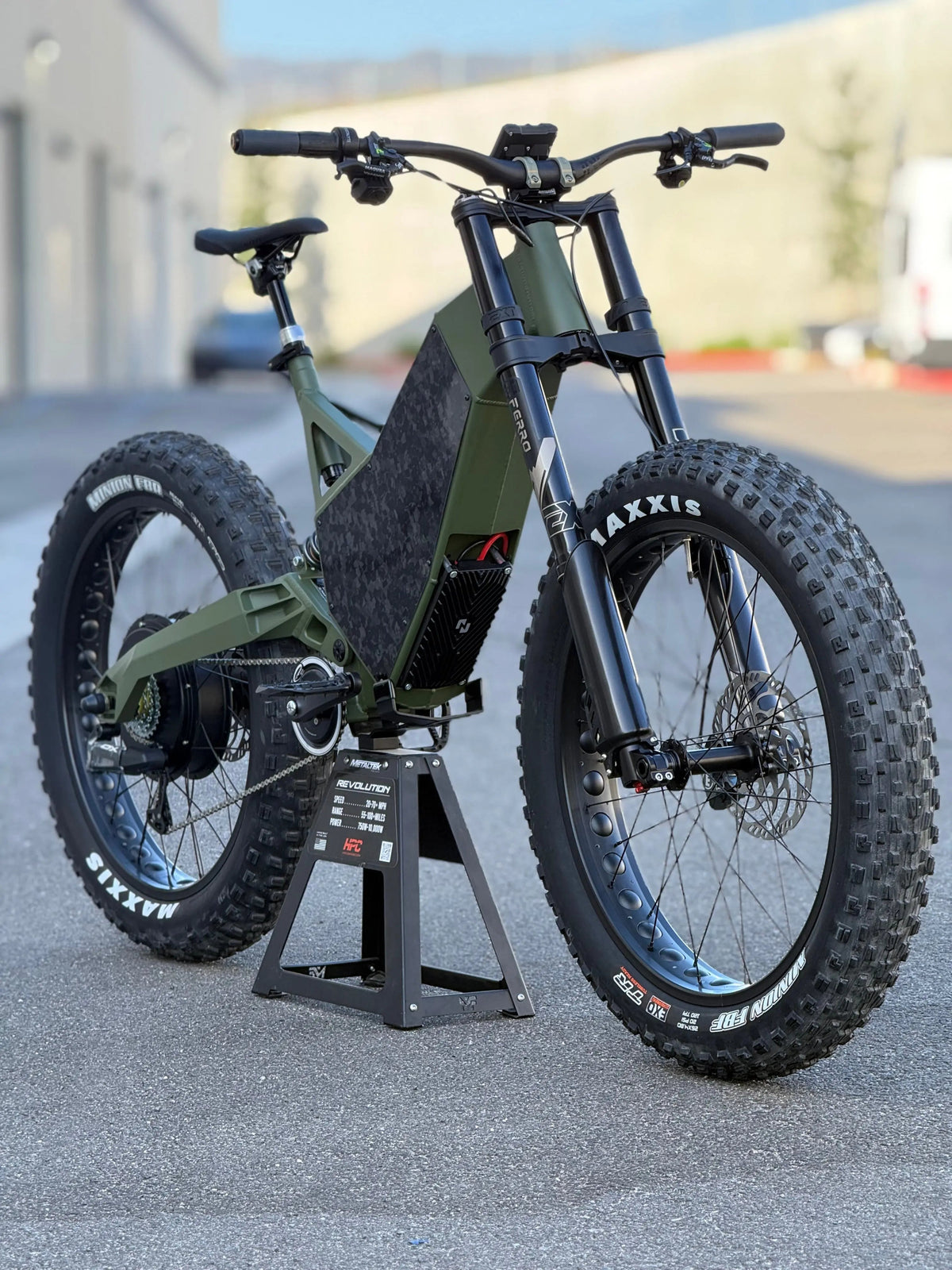
- Revolution: the Revolution is a hand-welded USA-built downhill and freeride frame. See our Revolution lineup guide to compare the models.
- Trailblazer: the Trailblazer is HPC's full-carbon trail bike. Our Trailblazer lineup guide covers the Pro, AT and AT Pro variants.
- Black Lightning: named on the listing alongside the other two.
One caution: the listing gives a model family, not a year-by-year fit chart. Before you buy, check your head tube and steerer standard against the ZS44/ZS56 numbers above. If you are not sure, send us your bike and year and we will confirm.
Why stock headsets loosen on high-power bikes
A headset has one job: let the fork turn smoothly while carrying steering and braking loads. On a heavy, fast e-bike those loads are larger than on a typical pedal bike. There is more mass to stop, more speed to stop it from, and the braking force goes straight through the fork into the head tube.
The usual signs of a headset that is struggling are:
- Gritty or notchy steering as the bearings wear or contamination gets in.
- Play or a knock under the front brake, which means the headset has loosened or worn.
- Water and dirt getting past thin seals on wet or dusty rides.
Entry-level stock headsets often use basic bearings and minimal sealing to hit a price. That is fine for light use, but it is a weak point on a bike built for serious power. We go into the same problem in our Cane Creek headset comparison.
What you get with the Orbit
FSA describes the Orbit as its core line, a headset that has become an industry benchmark. The cups are forged and CNC machined from 6061 T6 aluminum, and the bearings are angular contact, a design that handles the combined radial and axial loads a headset sees when you brake hard. At 124g it is also light. Those are the details from the product page, and they are what make it a sensible, sturdy swap for a worn original.
FSA Orbit vs Cane Creek
We also stock Cane Creek headsets in the same ZS44/ZS56 sizes: the Cane Creek 40-Series and the premium 110 Series. Both lines are covered in our Cane Creek 40 vs 110 comparison.
In short: all three use the same tapered standard, so size is not the deciding factor. Choose the Orbit if you want a proven, light, no-fuss alloy headset at a modest price. Look at the Cane Creek 110 if you want the premium option with stainless bearings and extra sealing. Whichever you pick, check the fit note on the listing against your frame first.
Installing and preloading the headset
Installation matters as much as the part. A poorly seated cup wears out any headset.
- Prepare the head tube. Make sure the head tube faces and the cup seats are clean and properly prepared.
- Press the cups in. Use a proper headset press so the cups go in square. Do not hammer them.
- Fit the crown race and fork. Seat the crown race on the fork, then slide the fork through the head tube with the bearings in place.
- Set bearing preload. Tighten the top cap just enough to remove play, then check that the steering still turns freely without binding.
- Clamp the stem. With the bars straight, tighten the stem bolts to the torque specified for your stem.
- Recheck. Hold the front brake, rock the bike forward and back, and feel for a knock. Recheck after your first few rides and periodically after that.
Preload is not a tightness contest. Too loose and you get play and a knock; too tight and the bearings bind and wear early. If you are not comfortable pressing cups or cutting a steerer, have a bike shop do it.
Ride responsibly
HPC bikes in the Revolution family are built for private land, OHV areas and closed courses. Check the rules where you ride, and inspect your headset, brakes and fork regularly.
Shop the FSA Orbit headset or browse more electric components.
Comments